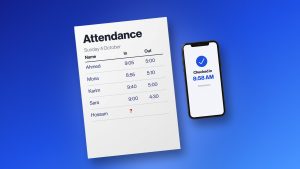
Managing people gets genuinely harder once a business spreads across multiple branches. Whatever worked fine for a single location can turn into a real headache once you’re running five, ten, or more.
HR teams end up needing to track employee info, attendance, leave, schedules, payroll, and performance across a bunch of different sites at once. When each branch runs its own spreadsheets or its own process, keeping everything accurate and consistent eats up a lot more time than anyone expects.
That’s really where centralized HR software earns its keep. Instead of managing every branch as its own island, businesses can pull workforce information and HR processes into one system, while still giving branch managers the access they actually need to run their own teams.
The best HR software for multi-branch companies makes central oversight easier without stripping away the flexibility individual locations still need day to day.
Why Multi-Branch Companies Need Centralized HR Software
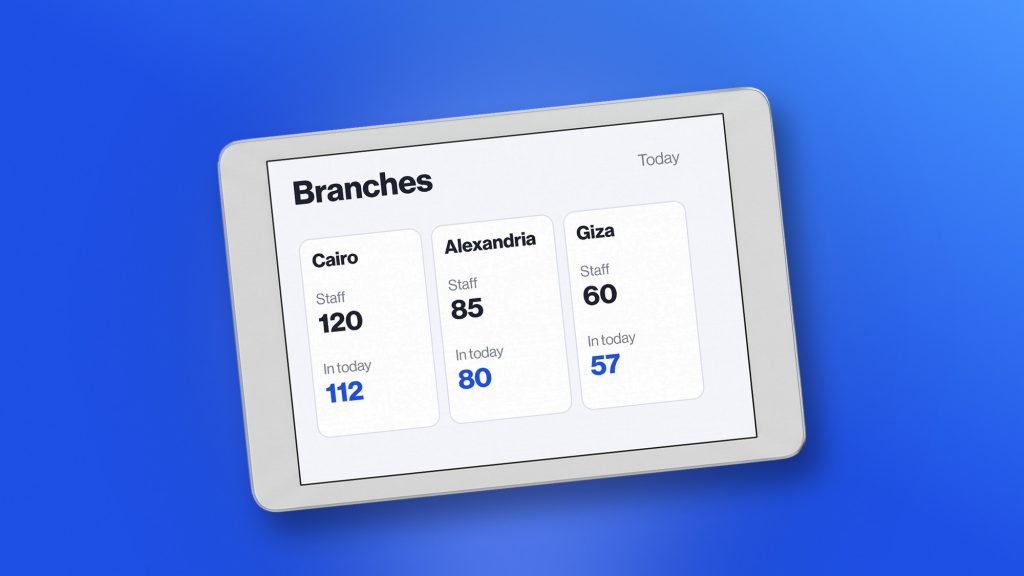
Managing several branches through separate files and disconnected systems tends to create the same handful of problems over and over:
- Employee information scattered across different spreadsheets
- Each branch running its own version of HR processes
- Managers with limited visibility into their own teams
- Attendance and leave records that are genuinely hard to consolidate
- Payroll info that has to be collected manually, branch by branch
- Company-wide reports that take hours to actually pull together
- HR spending more time coordinating between locations than doing HR
- Inconsistent processes leading to errors and general confusion
A centralized system gives everyone one source of workforce truth. Employees can still be organized by branch, department, role, or manager — HR just doesn’t have to maintain a completely separate system for every single location.
What Should HR Software for Multi-Branch Companies Include?
The right HR platform needs to support both centralized oversight and location-specific day-to-day operations. Worth looking for:
- Centralized employee management
- Multi-location workforce management
- Branch-level access and permissions
- Attendance tracking
- Leave management
- Shift and schedule management
- Payroll support
- Employee self-service
- Workforce reporting and analytics
- Workflow automation
- Mobile accessibility
- Security and access controls
- Scalability
- Integrations with other business systems
What a company actually needs from this list depends a lot on the industry, workforce size, and how the branches actually operate day to day.
10 Essential Features for Managing Employees Across Multiple Branches
1. Centralized Employee Database
A single, centralized database gives HR one place to actually manage everyone’s information.
Rather than keeping separate records for every branch, businesses can organize employees by location, department, role, or manager, all within the same system. That makes information a lot easier to find and cuts the risk of duplicate or outdated records floating around.
It also gives authorized HR users a genuinely complete view of the workforce whenever they need it.
2. Multi-Branch Workforce Management
HR software should make it simple to set up and manage different locations within the same platform.
Employees get assigned to their branch, while HR teams can view things across the whole organization or filter down to a specific location. That gives central oversight without forcing every branch to operate as a completely separate HR unit — and it makes adding a new branch a lot less painful as the business grows.
3. Branch-Level Access and Permissions
Not every manager needs to see every employee’s record.
Role-based permissions let businesses control what different people can see and manage. A branch manager might need access to their own team’s attendance, schedules, and leave requests, but there’s no reason they’d need sensitive info about employees somewhere else entirely.
Central HR keeps broader access, while managers get exactly what’s relevant to their own responsibilities. That’s a win for both efficiency and data security at once.
4. Attendance Tracking Across Locations
Attendance gets more complicated the moment employees are spread across multiple branches.
A centralized system pulls attendance data together across locations and gives HR a consistent view of what’s actually going on. Instead of waiting for every branch to send its own report separately, HR just pulls it from one place.
It also makes it a lot easier to spot patterns, compare across locations, and catch issues before they become bigger problems.
5. Leave and Absence Management
Managing leave through emails, chat messages, or spreadsheets gets messy fast once multiple locations are involved.
An HR system lets employees submit requests digitally, routed straight to the right manager for approval. Leave balances and absence data all get tracked in one place from there.
HR can see leave data across the whole organization, while branch managers stay focused on the people they’re actually responsible for.
6. Shift and Schedule Management
Shift scheduling matters a lot for industries like retail, hospitality, healthcare, and logistics.
Different branches often have different staffing needs, hours, and schedules entirely. HR software helps managers build schedules, assign shifts, and adjust staffing as those needs shift.
Central HR also gets better visibility into staffing across the board, making it easier to spot a branch that’s understaffed — or one that’s carrying more capacity than it needs.
7. Payroll and Compensation Information
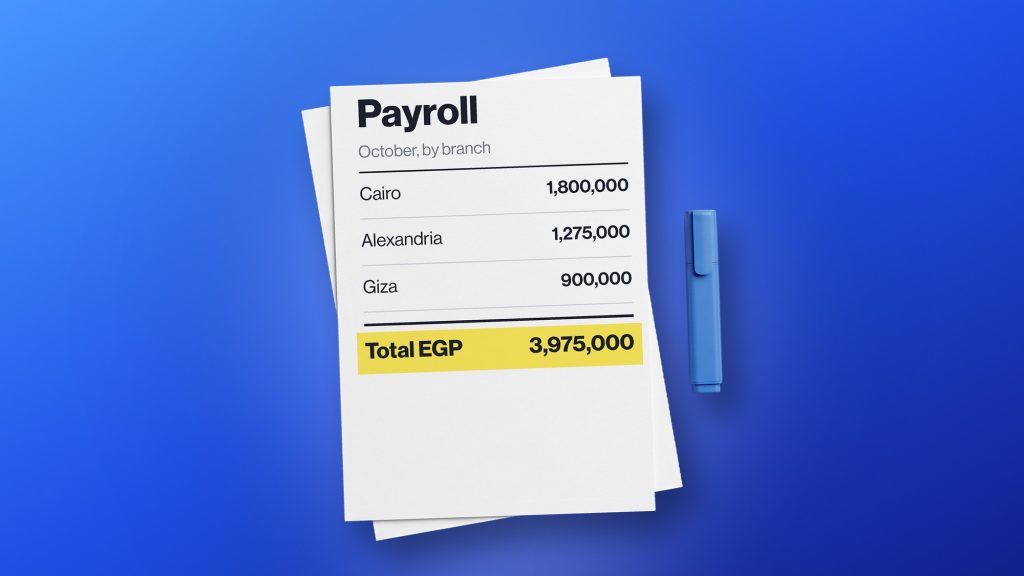
Payroll gets a lot trickier once employee information’s coming in from multiple branches at once.
Centralized workforce data keeps payroll more organized by giving everyone a consistent, single source of truth on employees, attendance, working hours, and other relevant details. Worth checking whether the HR software actually integrates with whatever payroll system’s already in place.
The whole point is cutting down the manual back-and-forth of collecting and transferring information between branches and departments.
8. Employee Self-Service
Employees shouldn’t have to email central HR every time they need something simple done.
Self-service lets people across different branches submit leave requests, grab documents, check information, or update basic personal details on their own. That cuts routine admin work off HR’s plate while giving employees faster access to what they need.
For companies running a lot of locations, even small reductions in routine requests add up to real time saved.
9. Workforce Reporting and Analytics
One of the biggest wins with centralized HR software is just better visibility.
Businesses can pull data from every location together and actually understand what’s happening across the workforce. Useful things to track include headcount, attendance, absenteeism, overtime, turnover, leave, and workforce capacity.
HR leaders can then compare locations directly, spot trends, and make better-informed calls about staffing and workforce planning.
10. Workflow Automation
Multi-branch businesses tend to run a lot of repetitive processes that need to happen consistently across every location.
Workflow automation helps manage things like leave approvals, notifications, onboarding tasks, document requests, and attendance processes. Standardizing these across locations cuts admin work and helps every branch follow roughly the same basic HR playbook.
Centralized Control vs. Branch-Level Flexibility
A common worry for multi-branch businesses: will centralizing HR make individual locations less flexible?
The goal isn’t to force every branch into operating identically. It’s about letting central HR maintain company-wide standards, while still giving branch managers enough room to actually run their own teams.
Central HR should be able to:
- Set company-wide HR policies
- Maintain employee records
- Monitor workforce data
- Create standardized workflows
- Generate company-wide reports
Branch managers should be able to:
- Manage their own teams
- Review attendance
- Approve relevant requests
- Manage schedules
- Access the information their role actually requires
Getting that balance right lets businesses stay consistent without piling unnecessary restrictions onto individual branches.
How HR Software Improves Multi-Branch Workforce Management
Centralized HR tech improves things in a handful of concrete ways:
- Better visibility — leaders can pull information across locations without waiting on individual reports
- More consistent processes — branches follow the same standardized workflows for common tasks
- Less admin work — central HR spends less time collecting and combining data from different places
- Faster decision-making — managers get current workforce info without a lag
- Fewer errors — centralized data cuts down on duplicate entry and manual consolidation
- Easier growth — new employees and branches slot into an existing structure instead of needing a system built from scratch every time
How to Choose the Best HR Software for a Multi-Branch Business
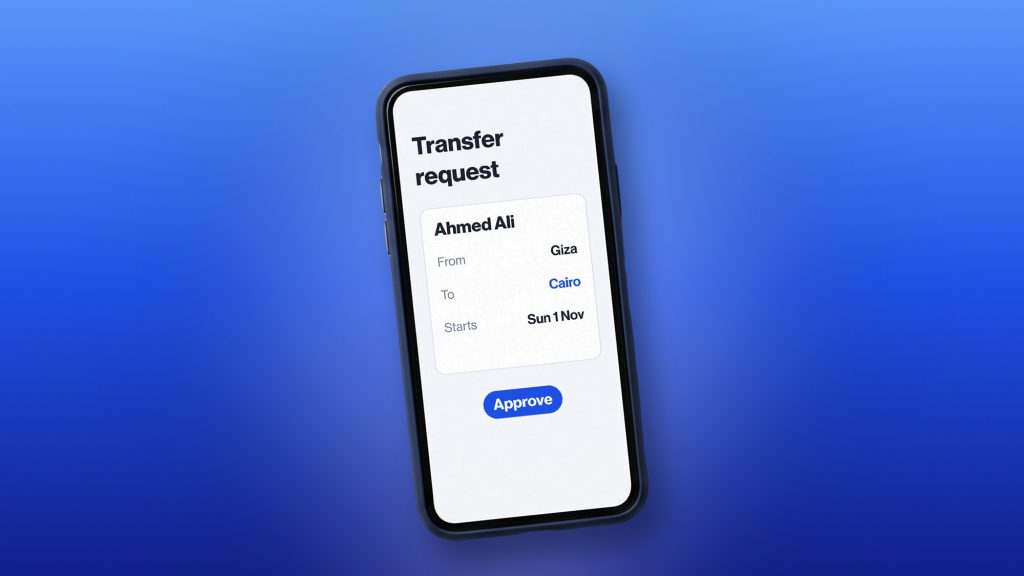
Before settling on a platform, worth thinking through how well it actually fits both current and future needs.
- Consider your number of locations. Make sure the software genuinely supports multiple branches, and that adding a new one isn’t a whole production.
- Check access controls. Look for flexible permissions that let you manage access by role, branch, department, or whatever else matters to you.
- Review reporting. Confirm you can see both company-wide data and branch-specific breakdowns.
- Evaluate ease of use. Employees and managers should be able to use it without endless training or constant hand-holding.
- Check scalability. It needs to handle more employees, departments, and locations as the business grows, not buckle under the weight.
- Look at integrations. Confirm it connects with payroll, accounting, recruitment, attendance, or whatever else you’re already running.
- Consider mobile access. Especially useful for employees and managers who bounce between locations or aren’t chained to a desk.
- Review security. Make sure sensitive employee data stays protected through proper permissions and access controls.
Common HR Challenges Multi-Branch Companies Should Avoid
Businesses often create unnecessary complexity for themselves just by managing each location independently. Common traps:
- Running each branch off its own separate spreadsheet
- Giving managers either way too much system access or nowhere near enough
- Inconsistent attendance processes from branch to branch
- Collecting payroll info manually every time
- Relying on email for leave approvals
- Keeping separate employee databases per location
- Delaying workforce reporting until the end of the month
- Adding new branches without ever updating the underlying HR processes
- Picking software that simply can’t scale
Moving toward a centralized system helps businesses replace this patchwork of disconnected habits with something a lot more organized.
Conclusion
Managing employees across multiple branches doesn’t have to mean juggling multiple disconnected HR systems.
The right software gives central HR a complete view of the workforce while still letting branch managers run their own teams and handle their own day-to-day. When comparing options, focus on multi-location support, access controls, attendance, leave, scheduling, reporting, automation, security, integrations, and scalability.
For businesses trying to bring their workforce operations together, bluworks is worth a look as a centralized approach to HR and workforce management. Request a demo to see how it could fit your multi-branch organization.
Frequently Asked Questions
What is the best HR software for multi-branch companies?
It really depends on company size, number of locations, workforce structure, and specific HR needs. Look for centralized employee management, location-based access, attendance, leave, reporting, automation, security, and scalability.
How does HR software help manage employees across multiple branches?
It centralizes employee information while letting HR and managers filter by branch, department, or role. It can also standardize attendance, leave, scheduling, reporting, and other processes across every location at once.
Can HR software give branch managers access only to their employees?
Yes. Role-based permissions let branch managers view relevant employee information and HR functions without granting unrestricted access to sensitive company-wide data.