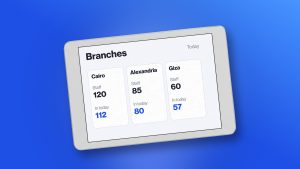
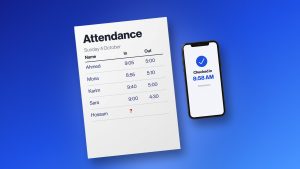
Good HR software genuinely makes workforce management faster, more organized, and easier to scale. The right system cuts manual work, centralizes employee data, automates the routine stuff, and gives HR teams a much clearer picture of what’s actually going on.
The wrong system, though, can do the exact opposite presenting some HR software mistakes everyone should be aware of.
The real cost tends to hide in inefficient processes, errors, training time, implementation headaches, and hours of lost employee time that never show up on an invoice.
Understanding these common mistakes can help businesses actually pick a system that improves how HR runs, instead of just adding another layer of complexity.
How HR Software Can Save Businesses Time and Money
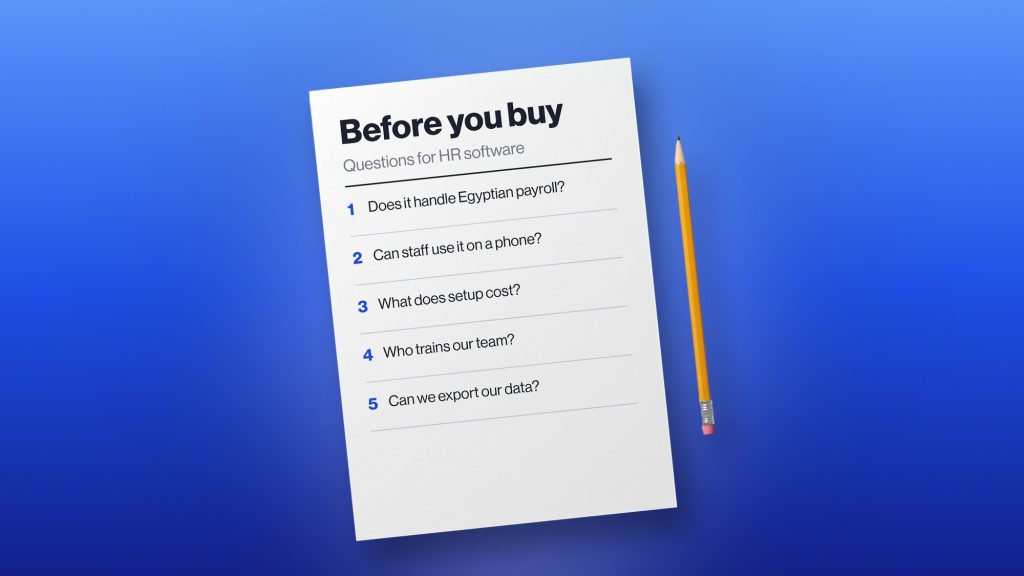
Before getting into what goes wrong, it’s worth knowing what good HR software should actually deliver.
A solid system can help businesses:
- Automate repetitive tasks — less time spent on routine approvals and processes
- Centralize employee information — everything organized in one place
- Reduce manual data entry — less duplicate work, fewer mistakes
- Simplify attendance and leave management — everyday processes that don’t eat up half the day
- Improve workforce visibility — HR and managers actually see what’s happening
- Support employee self-service — people handle simple tasks on their own
- Speed up reporting — workforce data that’s actually easy to pull and analyze
- Free up HR’s time — more room for development work and strategic priorities, less admin
The trick is choosing and rolling this out in a way that lets those benefits actually happen — which, it turns out, a lot of businesses manage to get wrong.
10 HR Software Mistakes That Cost Companies Time and Money
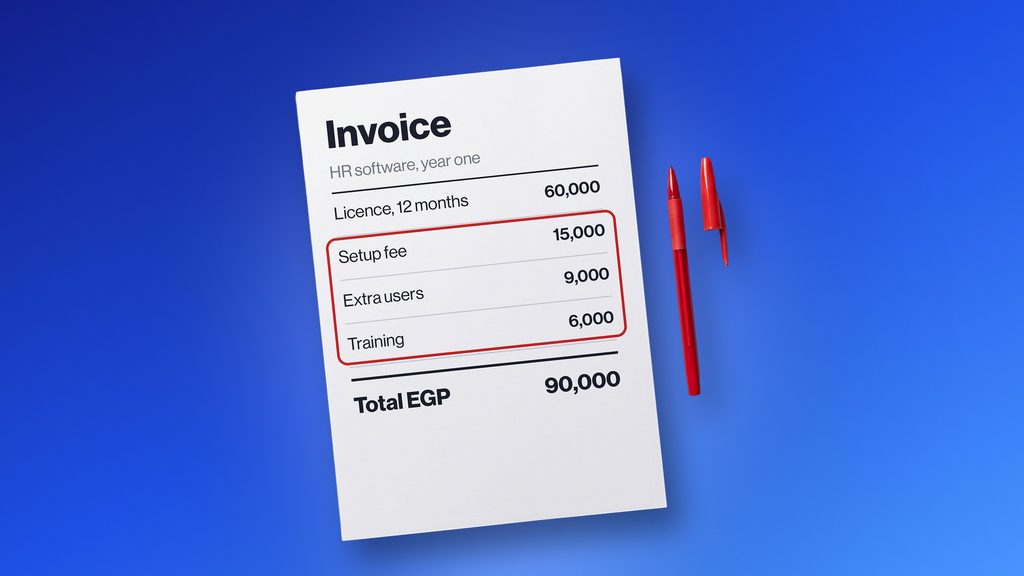
1. Choosing Software Based Only on Price
Price matters, sure, but the cheapest option isn’t always the most cost-effective one in the end.
A lower subscription often comes with limited features, hidden charges for tools you’ll actually need, pricey integrations, or support that’s basically nonexistent.
Better to look at the total cost of ownership instead — subscription fees, implementation, training, integrations, support, extra features, future upgrades, all of it.
A slightly higher upfront cost can actually be the better deal if the software genuinely saves time and cuts admin overhead over the long run.
2. Buying More Features Than You Actually Need
More features doesn’t automatically mean better software, whatever the sales pitch suggests.
Businesses sometimes go for the complex, do-everything system because it looks like it covers every possible need. In practice, employees often end up using a small fraction of what’s actually there.
Unnecessary features just drive up cost and make the whole thing harder to actually understand.
Start with the HR processes that genuinely matter to your business. Find software that handles those well, with room for extra features to support growth down the line — not the other way around.
3. Failing to Identify the Real HR Problems
A business shouldn’t buy HR software just because it feels like time to “go digital.”
Start by figuring out where the current process is actually causing pain. Is attendance still tracked manually? Are leave requests bouncing around in email threads? Are employee records split across a dozen spreadsheets? Does payroll rely on info manually pulled together from several places? Do reports take hours to build? Are managers flying blind on their own teams?
Get clear on the actual problem first, and finding software that solves it gets a lot easier.
4. Ignoring Ease of Use
A system can have excellent functionality on paper and still fail completely if employees and managers find it a pain to actually use.
A clunky interface leads to low adoption, more support tickets, extra training, and people quietly going back to spreadsheets the moment nobody’s watching.
When evaluating software, think through the experience of everyone who’ll touch it — not just HR. Employees should be able to knock out simple tasks without jumping through hoops, and managers should be able to review and approve things without a headache.
5. Not Planning for Implementation
Buying the software’s really just step one.
A poorly planned rollout leads to delays, messy data, confusion, and frustrated employees who never quite figure out how to use the thing.
Before implementation, it’s worth nailing down a clear timeline, who’s actually responsible for what, what data needs cleaning up first, which processes need configuring, how you’re communicating the change, and what training actually looks like.
A structured rollout gives people time to actually adjust, and helps the whole organization move away from the old way of doing things without everything grinding to a halt.
6. Trying to Automate Poorly Designed Processes
Automation makes a good process faster. It doesn’t magically fix a bad one.
If a workflow’s needlessly complicated to begin with, automating every step just means the same inefficient process happens quicker — not better.
Before automating anything, take a hard look at the process itself. Is every step actually necessary? Who really needs to approve it? Is the same info getting collected more than once for no reason? Simplify first, then automate — doing it the other way around just locks in the mess.
7. Overlooking Integrations
Most businesses run more than one system. HR usually needs to work alongside payroll, accounting, recruitment, attendance, whatever else is already in place.
If those systems don’t talk to each other properly, someone’s still manually copying information between them — which just creates extra work and more room for errors to creep in.
Before committing to HR software, check exactly which integrations are actually available, and whether they cover what your organization’s already running.
8. Neglecting Employee and Manager Adoption
HR software doesn’t just live in the HR department.
Employees use it to submit leave requests, check information, grab documents, handle other everyday tasks. Managers use it to approve requests, review employee info, and actually run their teams.
If those groups never really adopt it, the business ends up paying for a tool while everyone quietly keeps using the old process anyway. Good communication, practical training, and a genuinely easy-to-use platform make adoption a lot less painful.
9. Ignoring Data Security and Access Controls
HR systems hold seriously sensitive stuff — employee records, compensation details, personal information.
Security shouldn’t be an afterthought here. Look for proper access controls, role-based permissions, secure storage, and whatever else actually protects employee data.
A security issue here can cost a business far more than the software itself — operational disruption, and real damage to how much employees trust the company with their information.
10. Choosing Software That Can’t Scale
A system that works fine for 50 employees can fall apart trying to manage 500.
Worth thinking through where the business is likely headed over the next few years before committing. Can the system handle more employees, more departments, multiple locations, different workforce structures, more complex processes as they come up?
Picking something scalable now saves you from having to rip it out and replace it the moment the company hits its next growth stage.
Hidden Costs of Poor HR Software Decisions

The real cost of a bad decision here doesn’t always show up on an invoice. It shows up as:
- Lost employee time — hours spent on tasks that should’ve been automated
- HR administration — HR spending time managing inefficiency instead of doing higher-value work
- Data errors — manual entry leading to mistakes in records, attendance, or payroll
- Low adoption — paying for software that barely anyone actually uses
- Duplicate systems — teams still leaning on spreadsheets alongside the “official” platform
- Training costs — complicated software demanding a lot more training than it should
- Implementation delays — poor planning pushing back the point where value actually starts showing up
- Employee frustration — clunky HR processes quietly dragging down the broader employee experience
How to Avoid These HR Software Mistakes
A bit of upfront prep genuinely heads off most of these issues.
- Before choosing: identify your biggest HR challenges, define your must-have features, set a realistic budget, think about future growth, check integration options, and compare total cost of ownership rather than just the sticker price.
- Before implementation: clean up existing employee data, review current workflows, assign clear responsibility, build a realistic timeline, plan how you’ll communicate the change, and prepare actual training materials.
- After implementation: keep an eye on adoption, gather feedback from employees and managers, review how the system’s actually being used, track whether it’s saving time, watch for errors, and adjust workflows when something’s clearly not working.
Conclusion
HR software should genuinely save businesses time and money — not become another source of admin headaches.
A lot of the highest costs come from avoidable mistakes: choosing on price alone, buying features nobody needs, ignoring usability, skipping implementation planning, or picking a system that can’t grow with the company.
The better approach starts with your actual HR problems, picks features based on those specific needs, plans implementation carefully, and actually measures the results once it’s live.
If you’re evaluating HR software, it’s worth taking a closer look at what bluworks offers to see if it fits. You can check our bluworks review or request a demo to explore further.
Frequently Asked Questions
What is the biggest mistake when choosing HR software?
One of the biggest is picking software before actually identifying the organization’s real HR problems. That tends to lead to unnecessary features, poor adoption, higher costs, and a system that doesn’t solve what HR’s actually struggling with day-to-day.
How can HR software save a company money?
By automating repetitive tasks, cutting manual data entry, reducing errors, enabling employee self-service, and speeding up reporting. That saved time can then go toward more valuable HR work.
How do I know if my HR software is working effectively?
Track measurable results like time saved, adoption rate, fewer errors, fewer manual processes, faster reporting, and employee satisfaction. Comparing these before and after rollout shows whether the system’s actually delivering real value.