Think about what sits inside your HR system for a moment. National ID numbers. Bank account details. Salary figures. Disciplinary records. Home addresses. HR software holds some of the most sensitive information in any business, yet it does not always get the same level of attention as other systems when it comes to security.
That is why HR Software Security deserves more than a quick checklist or a vague promise that your software provider has it covered. Protecting employee data involves more than the technology itself. It also comes down to who can access information, how data is stored and shared, what happens when an employee leaves, and whether your processes meet applicable data protection requirements.
This is not a technical manual. You will not find firewall configurations or complicated encryption protocols here. Instead, this guide is for HR managers, operations leads, and business owners who want to understand what HR Software Security actually involves, where the biggest risks tend to come from, and what questions to ask before a security problem becomes a much bigger one.
The Problem With How Most Companies Think About This
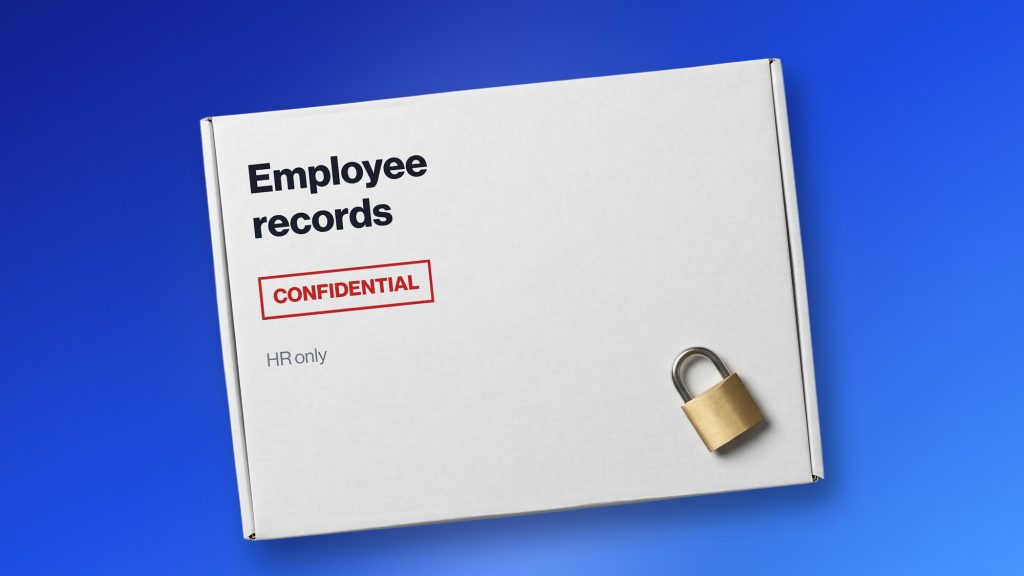
Data security tends to be a reactive topic. You do not think about it until a breach happens, until an audit flags something, until an employee asks why their pay-slip ended up somewhere it should not have been. By that point, the conversation is already harder than it needed to be.
The other problem is that people assume the software handles it. Buy a reputable HR platform and the security is taken care of. That is the implicit assumption.
The reality is that software security and operational security are two different things, and most breaches happen at the operational level. Someone shares their credentials. An ex-employee still has login access six months after leaving. A manager exports a salary file and sends it over WhatsApp because it was faster.
The platform can be excellent, and the data can still be exposed. Both things are true at the same time.
Why HR Data Is Worth Protecting More Than Most
Not all company data carries the same risk when exposed. Customer email lists are bad. Employee personal data is a different category entirely.
The information HR systems hold is personally identifiable in ways that create real downstream consequences for actual people. National ID numbers enable identity fraud. Bank account details enable financial theft. Home addresses create physical safety concerns in some situations.
A data breach that exposes customer names is embarrassing. One that exposes your employees’ salary history and home addresses is genuinely harmful to individuals who had no say in how their information was stored.
There is also the business dimension. Salary structures, headcount data, performance records, disciplinary histories. Competitors and bad actors have reasons to want this information. The risk is not hypothetical, and here is how a focused platform approaches protecting it.
Where the Actual Vulnerabilities Are
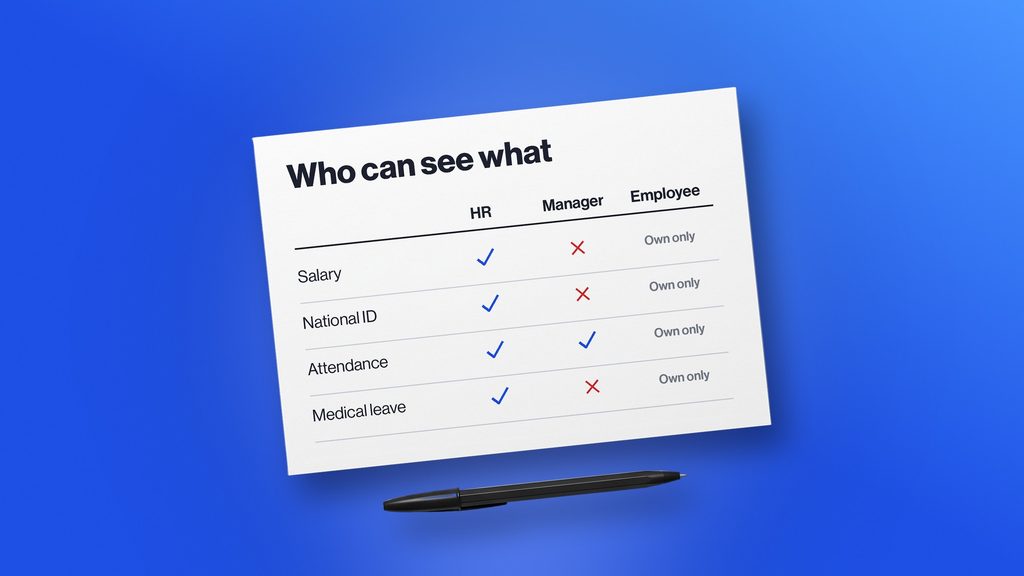
Shared logins and weak credentials
This is the most common and most preventable problem. Multiple managers sharing one login. Passwords that have not changed in two years. Former employees whose access was never revoked because nobody remembered to do it.
Every user should have their own account. Access should be revoked on the same day someone leaves, not the next week, not when someone remembers. Password requirements should be enforced by the system itself, not left to individual discipline, because individual discipline is inconsistent.
Access that is too broad
Most people using an HR system do not need access to everything in it. A shift supervisor needs to see attendance for their team. They almost certainly do not need salary data or disciplinary records for people outside their scope.
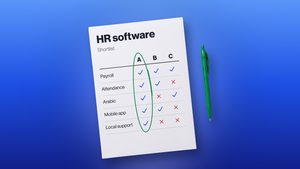
Role-based access, where the system only shows each user what their role actually requires, is one of the most effective controls available. If you are thinking through what to look for when choosing HR software, access control configurability should be a specific item on your list.
Sensitive data living outside the system
Even companies that have an HR platform often maintain parallel records. Spreadsheets, email attachments, printed documents, shared drives with no access controls.
The HR system might be well secured while a salary spreadsheet sits somewhere completely open. Consolidating data into one properly secured system reduces how many places need protecting.
Third-party integrations nobody vetted properly
HR systems connect to things. Payroll processors, accounting software, biometric attendance devices. Every connection is a potential exposure point.
Data moving between systems needs to be encrypted, and the vendors on the other end of those integrations need to meet reasonable security standards.
No record of who did what
When something goes wrong, a record gets changed, or a file gets deleted, you need to know who did it and when. Systems without audit logging make this impossible. This matters for internal investigations, for regulatory compliance, and for running a disciplined operation in general.
What Compliance Actually Means in Practice
Compliance in this context means operating within the legal requirements around how employee data gets collected, stored, used, and protected. The specifics vary by country and sometimes by industry. A few principles tend to apply broadly.
Only collect what you actually need. Every piece of data you hold that is not necessary for employment management is risk without purpose. HR systems should be configured to capture what is required, not everything technically possible to ask for.
Do not use data for purposes beyond what it was collected for. Attendance data collected for payroll should not quietly become a monitoring tool for unrelated reasons without employees being informed.
Do not keep data forever. Most jurisdictions have guidelines on how long employment records need to be retained after someone leaves. Beyond those periods, holding data creates liability rather than value.
Employees have rights over their own data in most frameworks. They can ask what is held about them, request corrections, and in some cases request deletion. Platforms that handle employee digital files securely make responding to these requests straightforward. Systems that scatter data across multiple places make it a project every time.
Practical Things Worth Doing Now
Map who has access to what
Before making any system changes, work through which users have access to which parts of the HR system. You will almost certainly find permissions that outlasted their purpose and accounts that should have been deactivated. This costs nothing and usually surfaces several immediate fixes.
Configure role-based permissions properly
Most platforms support this, but many companies never configure it beyond the defaults. HR administrators, line managers, payroll staff, and employees all need different access levels. The system should enforce those boundaries.
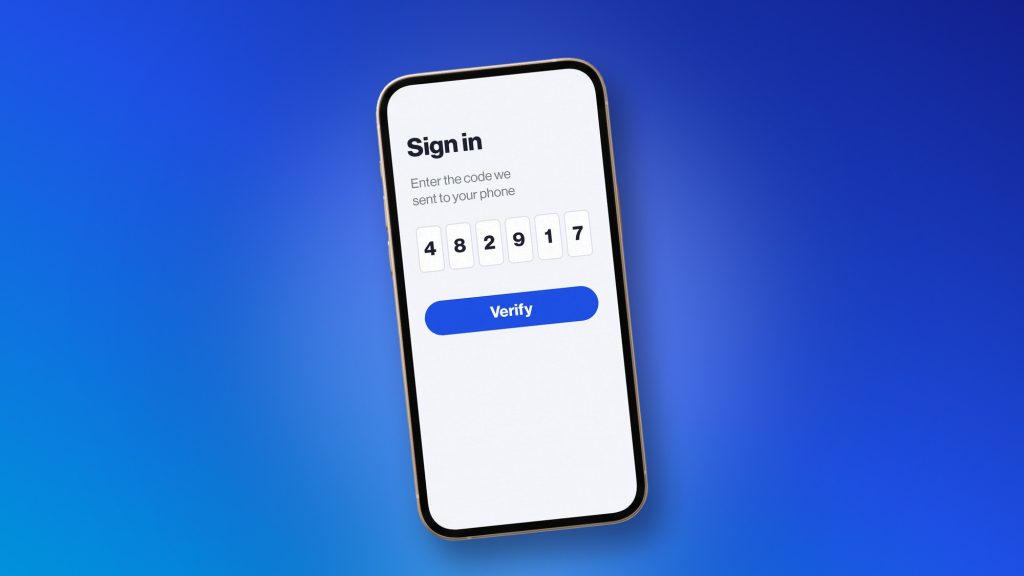
Turn on two-factor authentication
If your platform supports it and it is not enabled, that is a straightforward gap. Two-factor adds a second verification step, usually a code sent to a phone, that stops credential-based attacks even when passwords get compromised.
Build offboarding security into your process
When someone leaves, access revocation should happen on day one. A structured offboarding process covers this alongside other exit steps. From a security standpoint, it is the most time-sensitive item.
Ask your HR software provider direct security questions
Where is data stored? How is it encrypted in transit and at rest? What happens to data if you end the contract? Who within the vendor can access client data? Vague answers to specific questions tell you something useful about how seriously they take this.
The Cultural Side of It
Technical controls only go so far. The people using the system matter as much as the system itself.
HR team members who handle sensitive data should understand what they are protecting and why it matters.
This does not require formal training programs. A clear policy and a straightforward conversation when someone joins the team covers most of it. What it requires is treating data handling as a real responsibility rather than an administrative formality.
It also helps to have a clear low-friction way for people to raise concerns. If someone notices unusual access or a suspicious request for employee information, they should know who to tell and feel comfortable doing so.
Most security issues that get caught early get caught because someone noticed something and said something.
Conclusion
HR software security is ultimately about more than protecting a system. It is about protecting the people whose personal, financial, and employment information your business is responsible for. That means choosing the right software, controlling access carefully, keeping employee data organized, and making security part of everyday HR processes.
A platform like bluworks can help make that easier by bringing employee records, contracts, salary history, attendance, leave, and payroll into one centralized system instead of spreading sensitive information across spreadsheets, emails, and disconnected tools. Its employee records are designed to keep key information organized and audit-ready, while payroll and HR processes run through one system.
The important thing is not to assume that having HR software automatically makes your data secure. Security comes from the combination of the platform, the way you configure it, and the way your team uses it. With the right controls and a system built to keep HR information organized, businesses can reduce unnecessary exposure while making compliance and day-to-day HR management much easier.
Frequently Asked Questions
What kind of data do HR systems typically hold?
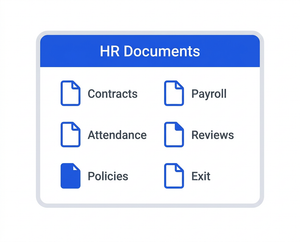
Personal identification details, contact information, employment contracts, salary and payroll data, attendance records, performance reviews, disciplinary records, leave balances, and often bank account and tax information. The exact scope depends on the platform and how it is configured.
Is cloud-based HR software safe?
It can be, and often more so than on-premise alternatives when the vendor invests properly in security infrastructure. Cloud versus on-premise matters less than the vendor’s actual security practices. Encryption, access controls, audit logging, and incident response procedures are what count.
What should we do if there is a data breach?
Contain it immediately by revoking compromised access. Document what happened and what data was affected. Notify employees and relevant authorities according to applicable legal requirements. Then review how it happened and what needs to change to prevent it from happening again.