The workforce scheduling process looks like one of those background management tasks, but it shapes a lot more than people realize.
Get it right and employees know their hours, managers have the coverage they need, and the day just runs. Get it wrong, and that shows up fast.
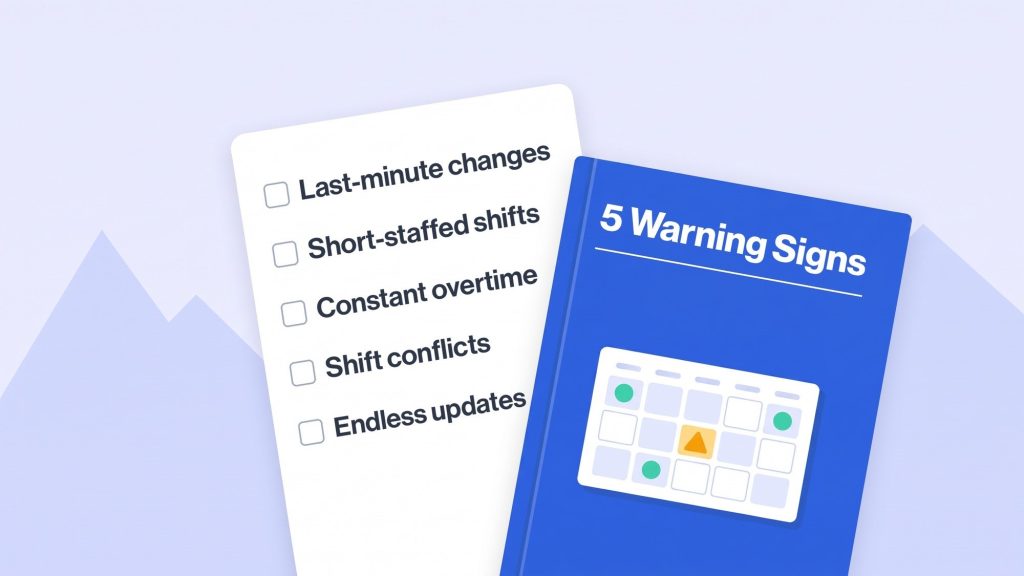
The tricky part is employee scheduling problems rarely announce themselves. It starts small: a few more last-minute changes than usual, an employee mentioning their hours feel uneven, a shift that’s consistently short a person.
None of it looks urgent on its own, but left alone, it starts eating into productivity, labor costs, and how people feel about the job.
If the business runs on hourly staff, rotating shifts, or multiple locations, catching these signs early is worth the effort. Here are five worth watching for.
Why an Effective Workforce Scheduling Process Matters
Scheduling isn’t just slotting names into shifts. It’s matching the people available to what the business actually needs, while keeping hours fair and manageable for the people working them.
Done well, it means:
- Enough people on every shift to actually handle the day.
- Hours and responsibilities spread out fairly across the team.
- Employees getting real notice so they can plan their own lives around work.
- Labor costs under control, without overtime or overstaffing quietly piling up.
- Better coordination between HR, managers, and the people on the floor.
When scheduling falls apart, all of this gets harder to hold onto. Managers end up spending their time fixing things instead of running things, employees get frustrated, and service starts to slip.
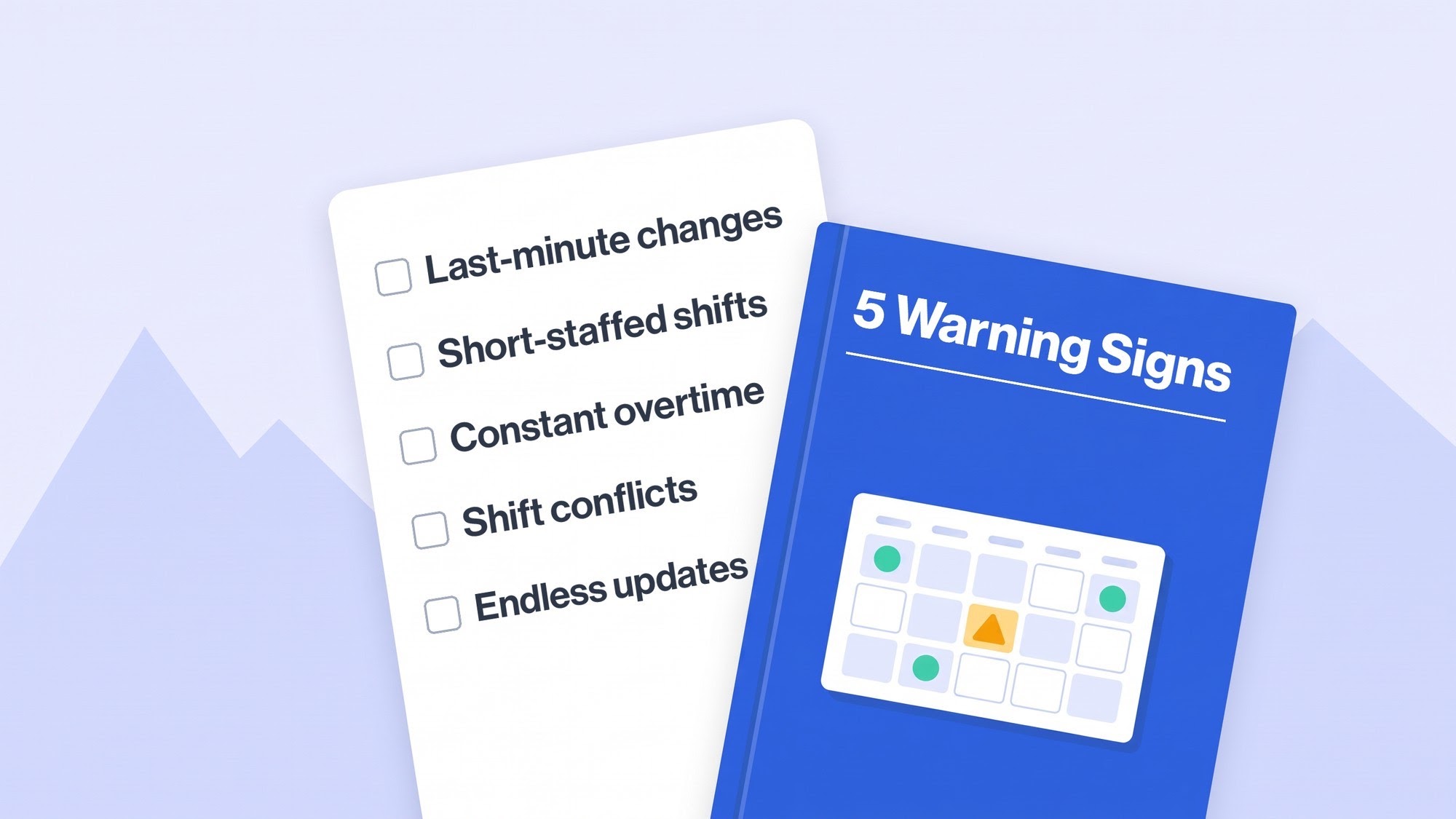
5 Early Warning Signs Your Workforce Scheduling Process Is Breaking Down
These problems rarely show up as one dramatic failure. Usually it’s the small stuff, repeated often enough that it adds up. Here’s what to watch for.
Frequent Last-Minute Schedule Changes
Changes happen. Someone gets sick, someone needs a day off, shifts get swapped. That’s normal.
It becomes a problem when managers are reshuffling the schedule almost daily because the original plan never matched what the business actually needed.
Picture a restaurant manager constantly moving people between shifts because one period’s overstaffed while another’s scrambling. Updates go out through three different group chats, and by the end nobody’s quite sure which version of the schedule is real.
What this tends to cause:
- Employees losing the ability to plan around their own shifts.
- Managers burning time just communicating changes.
- People missing updates and showing up to the wrong schedule.
- Last-minute swaps turning into arguments and confusion.
Fixing this starts with collecting availability and leave requests before building the schedule in the first place, and setting up one clear channel for updates so everyone knows exactly where to check.
Repeated Shift Gaps and Understaffing
The second sign is shifts that are consistently short-staffed. Usually this traces back to managers underestimating what a shift actually needs, missing planned leave, or not having a plan for filling in when someone calls out.
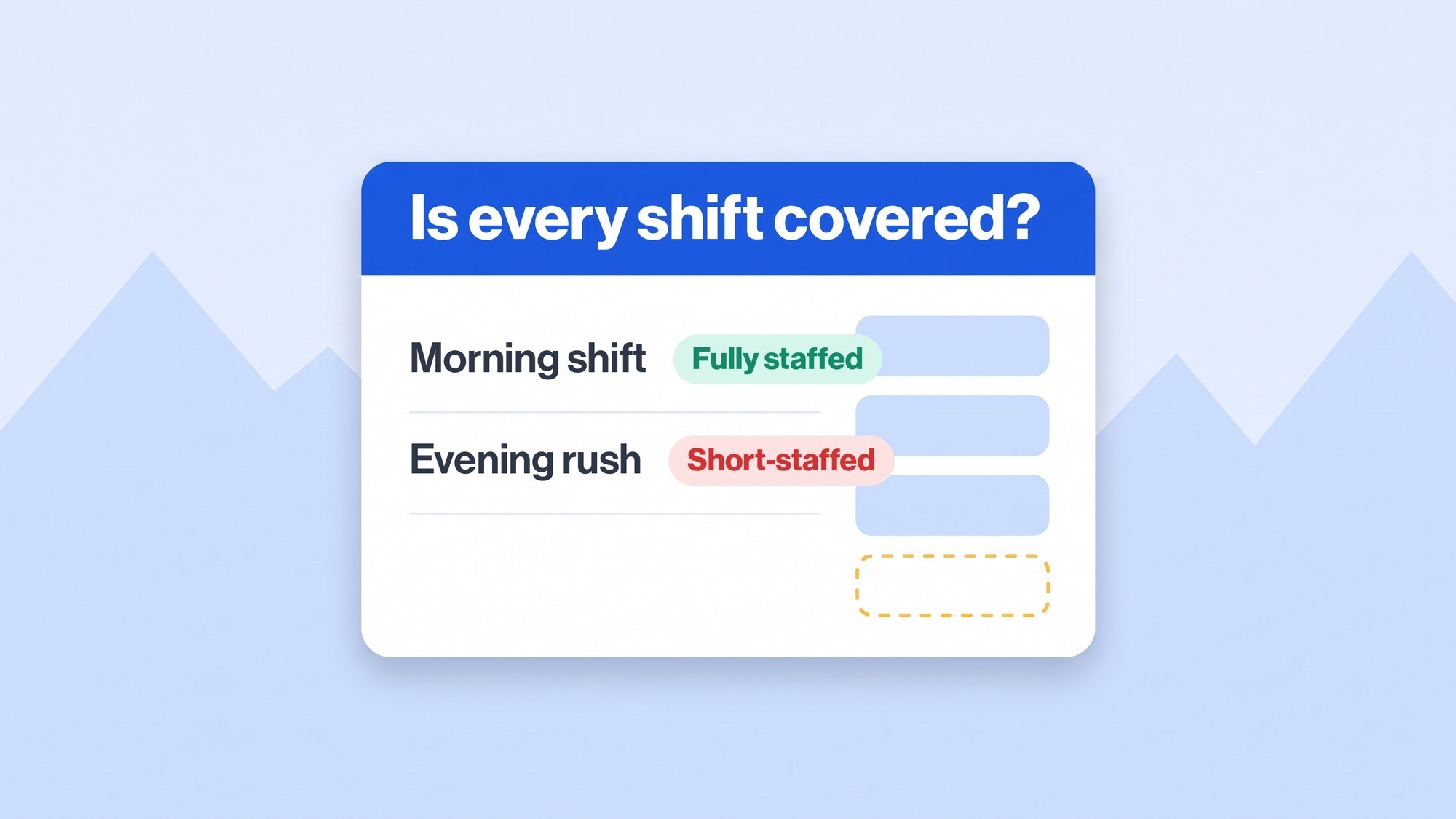
A retail store might be fine in the morning but thin out badly during the evening rush, leaving whoever’s on the floor handling more than they should have to.
Chronic understaffing isn’t just uncomfortable for the staff there, it shows up in longer wait times, slower service, missed tasks, and a team that’s constantly stretched.
The fix is reviewing actual staffing needs per shift against real workload and demand, and using attendance history to spot where extra coverage keeps being necessary.
Employees Frequently Work Overtime
Some overtime is just part of the job in a lot of workplaces. The red flag is when the same people keep going over their scheduled hours week after week, which usually points to a planning problem rather than a one-off.
This often happens when businesses lean on overtime to patch unfilled shifts instead of fixing why those shifts keep going unfilled, or when hours just aren’t distributed evenly to begin with.
What recurring overtime tends to bring:
- Labor costs creeping up.
- Fatigue, and productivity dropping as a result.
- Hours that are harder to predict week to week.
- More pressure landing on the same handful of people covering the gaps.
Managers need to look at overtime across the whole team, not just one schedule at a time. If it’s always the same names putting in extra hours, that’s a sign to rework shift distribution rather than just accepting it as normal.
Scheduling Conflicts and Uneven Workloads
Conflicts show up as overlapping shifts, wrong hours, or shifts that don’t line up with approved leave. They look small individually, but they add up to real time spent fixing mistakes after the fact.
Uneven workloads are a related issue: some employees pulling far more shifts than others, while someone else’s hours bounce around unpredictably. This tends to happen when shifts get assigned by hand without actually looking at the whole team’s availability first.
Left unaddressed, people start to feel the scheduling itself is unfair, and that shows up in morale and, eventually, turnover.
Clear scheduling rules help here: checking availability, approved leave, staffing minimums, and hour limits before shifts go out, and reviewing the schedule once more before it’s shared.
Managers Spend Too Much Time Creating and Updating Schedules
Scheduling is part of the job, not the whole job. If a manager’s burning hours every week updating spreadsheets, chasing confirmations, and fixing shift conflicts, something in the process is too heavy.
This gets worse as the business grows. A spreadsheet works fine for 15 people in one location. It starts breaking down fast once that’s 100 people spread across several branches.
It gets worse still when different managers are keeping their own separate versions, or HR can’t easily see what the latest schedule even is.
Worth stepping back and looking at how schedules actually get built and shared. If it’s a lot of repeated data entry across multiple files with constant follow-ups, that’s usually the sign a better system is overdue.
What Causes Workforce Scheduling Problems?
Spotting the warning signs matters, but so does understanding what’s actually behind them. Most of the time, it comes down to outdated processes and not having enough visibility into the workforce.
A few usual suspects:
- Leaning on manual processes: Spreadsheets and paper make it genuinely hard to keep up with frequent changes.
- Not collecting availability up front: Schedules built without knowing about upcoming leave or commitments are schedules that’ll need reworking.
- Poor communication: HR and department managers working off different information is a direct path to scheduling mistakes.
- Thin attendance data: Without solid records, it’s hard to know what staffing actually needs to look like or spot recurring absence patterns.
- Growth: A process that worked fine at a smaller size often just stops working once the company adds more people or more locations.
Pinning down the actual cause matters, because it’s the difference between fixing the real problem and patching the same symptom over and over.
How to Improve a Workforce Scheduling Process
None of this requires a complete overhaul. A handful of practical changes usually get things back on track.
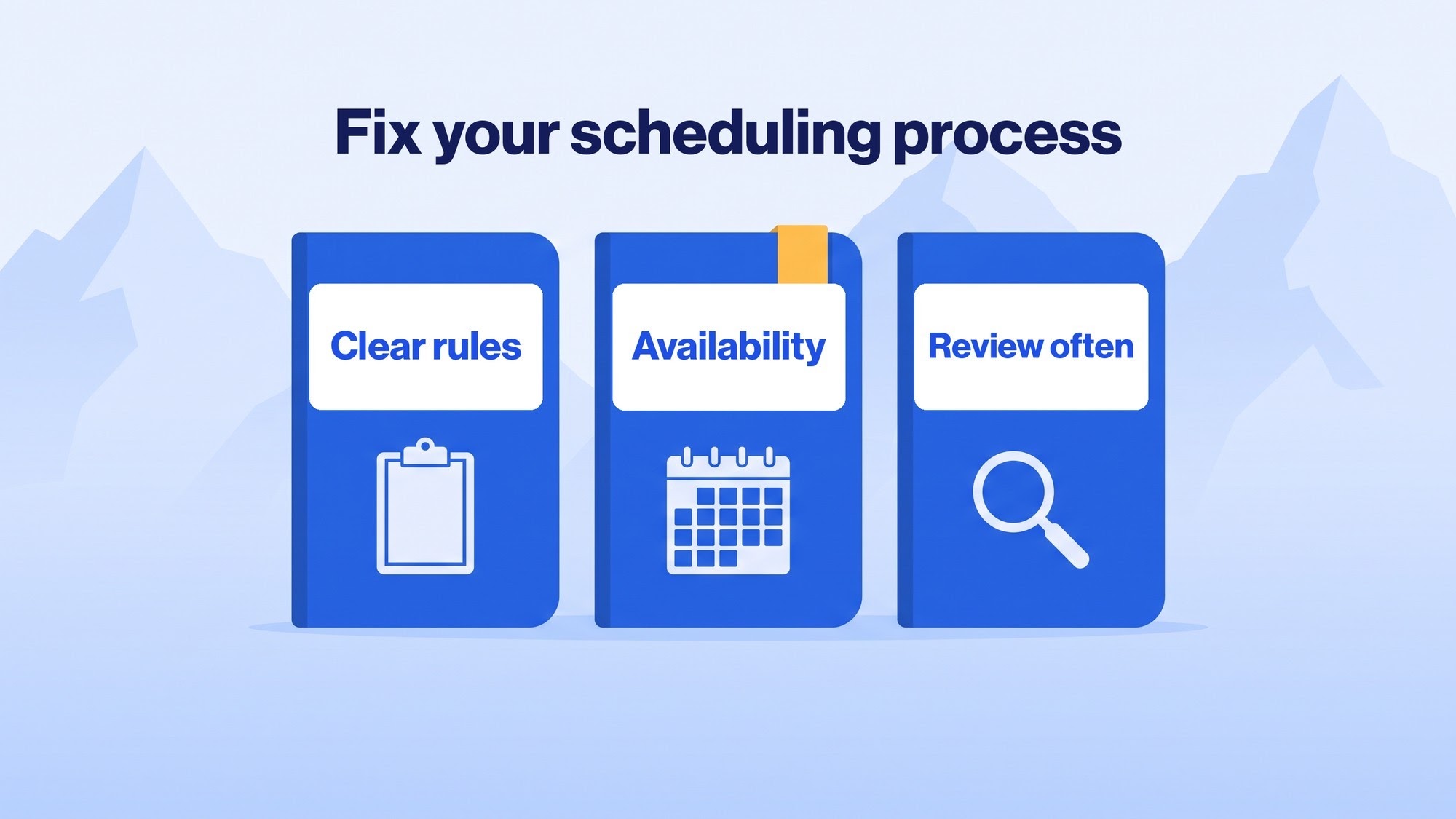
- Set clear scheduling procedures: Decide when schedules get built, how employees request changes, and how updates get communicated, so everyone’s working off the same version.
- Understand staffing requirements: Know how many people each shift actually needs, based on workload, busy periods, and demand.
- Collect employee availability: Get availability and leave requests in before building the schedule, not after.
- Monitor attendance and overtime: Compare what was scheduled against what actually happened, and watch for the same gaps and the same overtime names showing up repeatedly.
- Review schedules regularly: Check in on whether the current approach is actually meeting the business’s needs, and adjust before small issues become routine ones.
Conclusion
A scheduling process rarely collapses all at once. It shows itself through last-minute changes, recurring shift gaps, overtime that never lets up, scheduling conflicts, and managers burning hours on updates that should take minutes.
Catching these early helps keep labor costs in check, keeps workloads fair, and keeps operations running the way they’re supposed to. Regular reviews and solid attendance data go a long way toward making scheduling something that works, rather than something that’s constantly being firefought.
For businesses looking to bring this together, Bluworks offers tools for managing shift schedules, tracking attendance, and keeping workforce information in one accessible place.
Frequently Asked Questions
What are the most common workforce scheduling problems?
Last-minute changes, understaffed shifts, excessive overtime, overlapping assignments, and uneven hours top the list. Most trace back to limited planning, poor communication, or manual processes that have reached their limit.
How often should businesses update employee schedules?
Most businesses build schedules weekly or monthly, depending on how their operations run, with a clear process in place for unexpected changes, absences, and swaps.
How can HR software improve workforce scheduling?
It helps build and update schedules, track attendance, monitor hours, and keep workforce information organized in one place, making it a lot easier for managers to catch staffing gaps before they become real problems.