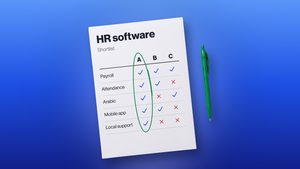
Picking HR software features can honestly feel overwhelming. There’s no shortage of platforms out there, and each one comes with its own mix of features, pricing tiers, and tools bolted on.
The goal here isn’t finding whichever platform has the longest feature list. It’s finding something that actually solves your organization’s real HR problems, is easy enough for employees and managers to actually use, and can keep up as the business grows.
The right software cuts down on manual work, pulls employee information into one place, automates the repetitive stuff, and gives HR teams a much clearer view of their workforce.
This checklist runs through 25 features worth weighing when you’re comparing options.
Why Choosing the Right HR Software Matters
A good HR system genuinely makes day-to-day workforce management easier. It can help organizations:
- Cut down on manual admin — automate the repetitive tasks and spend less time buried in spreadsheets
- Centralize employee data — keep everything important in one place instead of scattered across files
- Improve workforce visibility — give HR and managers a clearer picture of attendance, performance, and people generally
- Automate repetitive processes — simplify approvals, notifications, and routine requests
- Support better decisions — lean on real data and reports instead of gut feeling
- Improve the employee experience — make HR services and information easier to actually reach
- Support growth — scale processes as the workforce expands, without everything breaking
- Cut down on errors — less duplicate data entry, fewer manual calculation mistakes
HR Software Checklist: 25 Essential Features
Employee Management
1. Employee Database. A centralized database is one of the more foundational pieces here — it should let HR teams store profiles, contact info, job details, and other important records all in one spot.
2. Employee Self-Service. This lets employees handle common HR tasks on their own, without needing to loop HR in every time. Depending on the system, that might mean updating their own info, pulling up documents, or submitting requests directly.
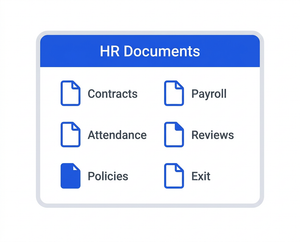
3. Document Management. HR teams juggle a lot of paperwork — contracts, policies, certificates, employee records. Digital document management makes all of that easier to organize, find, and actually keep secure. Worth looking for secure storage, decent organization, and access controls.
4. Employee Lifecycle Management. Good software should support people through their entire time at the company — onboarding, development, eventually offboarding. Managing all of that in one system tends to make the whole experience feel more consistent.
5. Employee Directory. A searchable directory makes it simple for employees and managers to look up basic info about colleagues, teams, departments, and who reports to whom.
Attendance, Time, and Workforce Management
6. Attendance Tracking. Helps organizations keep tabs on who’s working, absent, or late, and gives HR useful data for spotting patterns over time.
7. Time Tracking. Lets you record actual working hours and understand how time’s being spent — particularly useful for hourly employees, project work, or flexible arrangements.
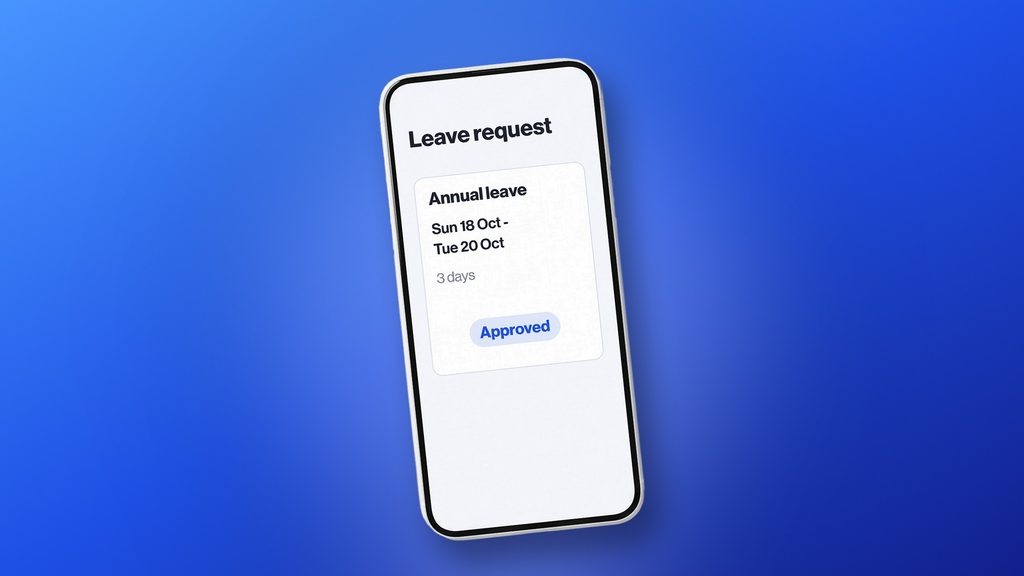
8. Leave Management. A solid system should let employees submit requests, managers approve them, and HR keep an eye on balances. Automated workflows here cut down a lot of the back-and-forth.
9. Shift and Schedule Management. For businesses running shift-based teams, this matters a lot — look for tools that let managers build schedules, assign shifts, and adjust staffing when things change.
10. Overtime Management. Tracking overtime helps HR understand actual workforce capacity and spot teams that keep getting overloaded. It also simplifies approval and recordkeeping.
Payroll and Compensation
11. Payroll Management. Automates payroll, keeps records accurate, and cuts down on manual calculation errors. If payroll runs through a separate system already, make sure the HR platform can actually integrate with it.
12. Compensation Management. Helps track salaries, bonuses, incentives, and any compensation changes, keeping everything organized enough to support real workforce planning.
13. Benefits Management. For businesses offering benefits, this helps manage eligibility, enrollment, and related records — centralizing it makes life easier for both HR and employees.
Performance and Employee Development
14. Performance Management. Helps managers set goals, run reviews, track progress, and give regular feedback. Look for something that supports ongoing conversations, not just a once-a-year review that nobody remembers by March.
15. Feedback and Recognition. Regular feedback genuinely moves the needle on engagement. Features that support recognition and celebrating achievements help build a stronger culture over time.
16. Learning and Development. Matters for both retention and growth — software here can track training programs, course completion, certifications, and development activity generally.
17. Skills Management. Helps organizations understand what capabilities already exist across the workforce, spot gaps, and match people to future opportunities.
18. Career and Succession Planning. Worth considering tools that support career development and succession — helping HR spot future leaders and build a stronger internal pipeline instead of always hiring externally.
Recruitment and Onboarding
19. Recruitment Management. Helps HR manage job openings, track candidates, organize applications, and streamline hiring. If recruitment already runs through a separate applicant tracking system, check that it actually integrates.
20. Onboarding. A structured process helps new hires settle in faster. Good onboarding features let HR assign tasks, collect documents, share information, and make sure new employees actually complete what’s required.
Reporting, Automation, and Integration
21. HR Reporting and Analytics. Gives better visibility into workforce trends — headcount, attendance, turnover, leave, performance, whatever’s actually relevant to track.
22. Workflow Automation. Takes a lot of repetitive admin off HR’s plate — automated approvals, reminders, notifications, requests. The more routine work a system can automate, the more time HR actually has for meaningful work.
23. Integrations. HR software rarely operates in isolation. If you’re already running separate payroll, accounting, recruitment, or attendance systems, integration capability matters a lot for reducing duplicate data entry.
24. Mobile Accessibility. Employees and managers increasingly expect to reach these tools from their phone. Mobile access makes it easier to submit leave requests, check schedules, or handle other tasks without being tied to a desktop.
25. Security and Access Controls. HR systems hold genuinely sensitive information, so security shouldn’t be an afterthought. Look for role-based access, secure storage, and permissions that make sure people only see what’s relevant to them.
How to Prioritize HR Software Features
You don’t need every single feature from day one, honestly.
Start by splitting things into three buckets:
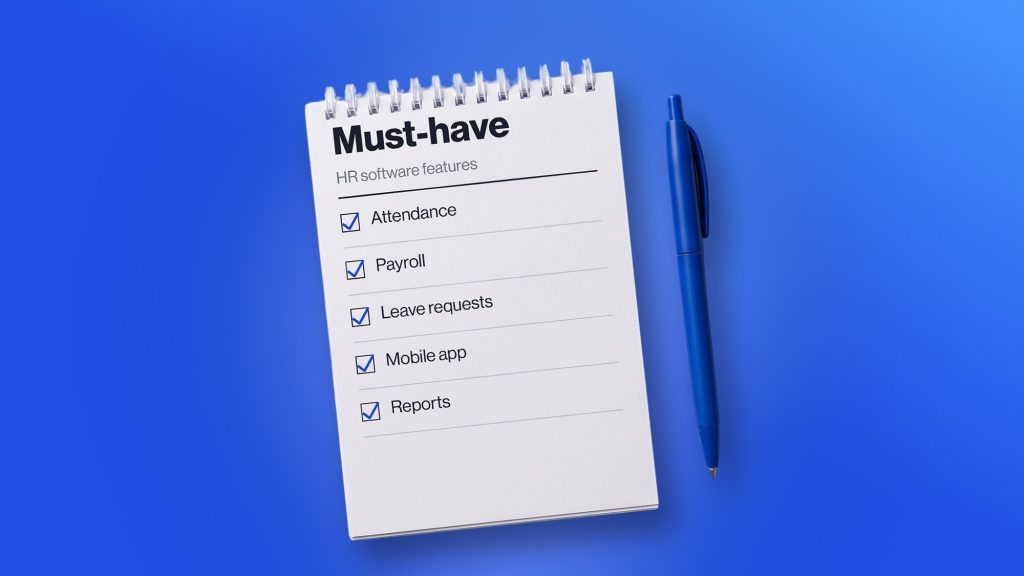
- Must-have — capabilities that solve your most urgent HR problems right now
- Important — tools that would improve efficiency, employee experience, or workforce management
- Future — things that might become useful as the organization grows, but aren’t critical yet
Weigh company size, industry, workforce structure, current processes, growth plans, budget, existing software, and compliance needs when deciding what actually goes where.
Questions to Ask Before Choosing HR Software
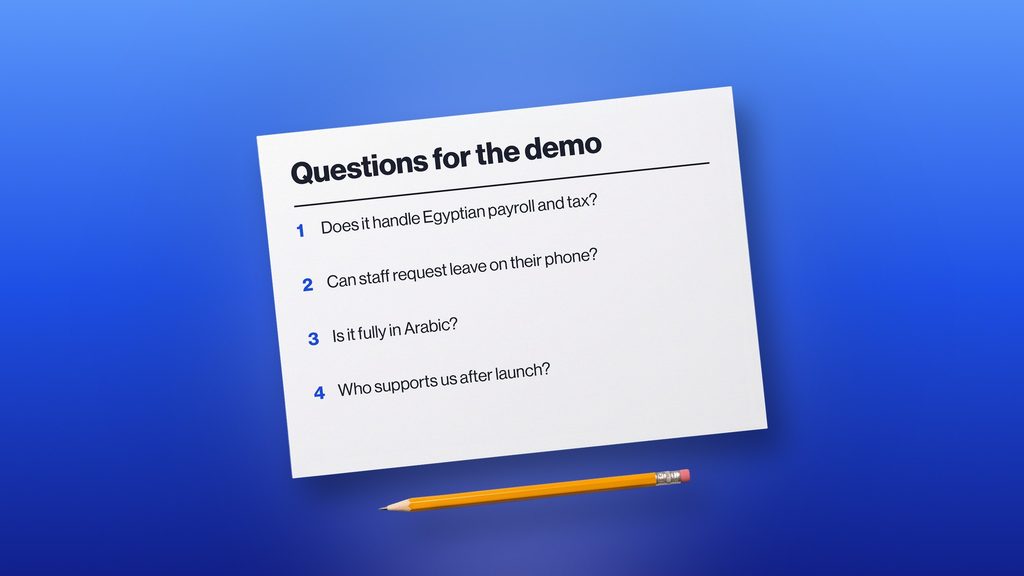
Before committing to a platform, worth asking:
- Does it solve our biggest HR challenges?
- Is it actually easy for employees and managers to use?
- Can it scale as we grow?
- Does it integrate with what we’re already running?
- How’s employee data actually protected?
- Can workflows be customized to fit us?
- What kind of reporting and analytics does it offer?
- How difficult is implementation going to be?
- What training and support is available?
- What’s the total cost of ownership, not just the sticker price?
These questions help you look past the feature list and figure out whether a platform’s genuinely a fit for your organization.
Common Mistakes When Choosing HR Software
A few things trip businesses up more often than they should:
- Picking software based purely on price
- Paying for features nobody ends up using
- Overlooking the actual employee and manager experience
- Skipping the integration check
- Treating data security as an afterthought
- Not thinking ahead to future growth
- Never actually testing the software before buying
- Choosing a system without decent implementation support
A platform can look genuinely impressive in a sales demo, but the real test is whether it holds up for your HR team and employees in everyday, unglamorous situations.
How bluworks Can Support Your HR Operations
Managing workforce info across spreadsheets, separate systems, and manual processes tends to make HR administration harder than it needs to be.
bluworks offers key HR and workforce management capabilities together, helping organizations centralize employee data, simplify everyday processes, manage attendance and workforce activity, and get better visibility across teams.
By bringing all of that into one connected environment, HR teams end up spending less time on admin and more time actually supporting employees and business goals.
Conclusion
The right HR software should do more than check off a long list of features. It should solve real problems your organization is facing, give employees and managers a genuinely good experience, keep sensitive data safe, and have room to grow as your business does.
Use this checklist while comparing solutions, but keep coming back to what actually matters most for your specific business — not just what looks impressive on paper.
bluworks can help simplify workforce management, centralize HR processes, and give better visibility into your teams — a solid foundation for more efficient HR operations as the business grows.
Frequently Asked Questions
What are the most important HR software features?
It depends on the organization, but the core ones typically include employee management, attendance and leave management, payroll, performance management, self-service, reporting, workflow automation, security, and integrations.
How do I choose the right HR software for my business?
Start by identifying your biggest HR challenges and what you actually want to improve. Then prioritize the essential features, think through scalability and integrations, check usability and security, and actually test a few options before deciding.
Is HR software worth it for small businesses?
Yes. It can help small businesses cut down on admin, organize employee information, automate routine tasks, and provide tools that scale as the workforce grows.